PNG to ICO Converter Online (Free Favicon Generator)
Supports PNG / JPG formats, no uploads, 100% privacy safe, one-click multi-size icon generation
Convert PNG or JPG images to ICO files instantly with this free online converter. Create favicon icons in multiple sizes (16x16, 32x32, 48x48, 256x256) with no upload required. All processing happens locally in your browser for maximum privacy and speed.
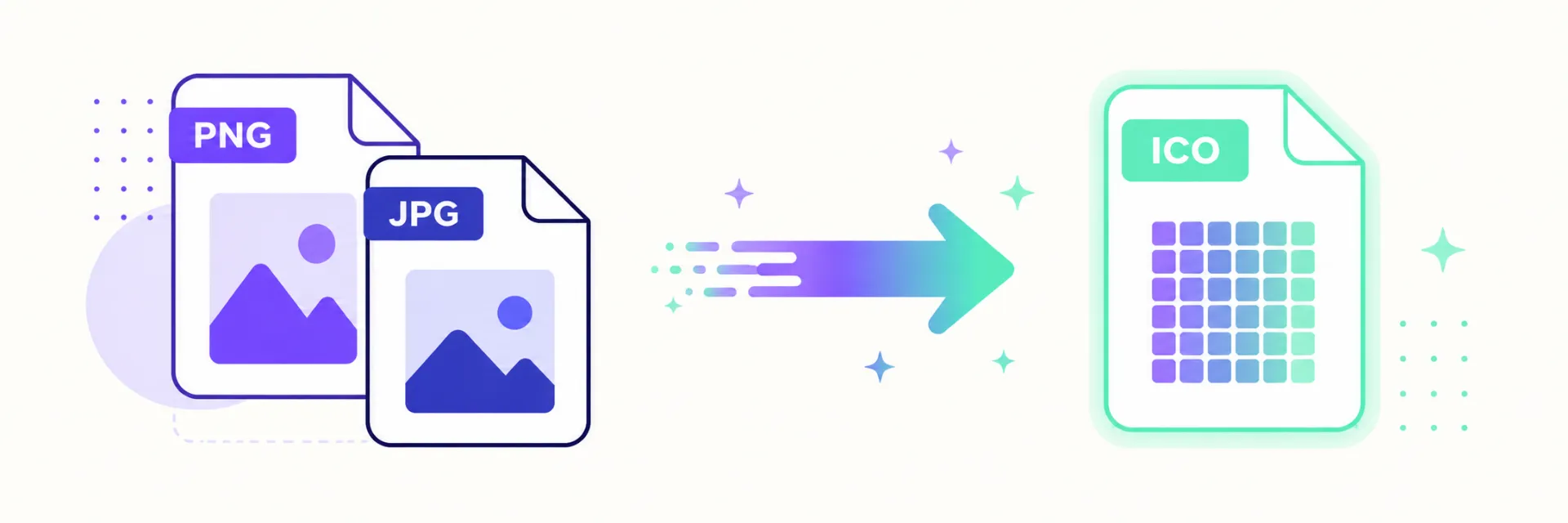
Click here to choose an image, or drag and drop PNG / JPG files here
( Supports multi-size auto-cropping and transparency preview )
What is a PNG to ICO Converter?
A PNG to ICO converter allows you to convert standard image formats like PNG and JPG into ICO files. ICO files are commonly used for website favicons and Windows application icons.
Why Use This ICO Converter?
- Free & No Upload: Convert images directly in your browser without sending files to a server.
- Multi-Size ICO: Generate icons in 16x16, 32x32, 48x48, and 256x256 sizes.
- Fast Processing: Instant conversion with no waiting time.
- Secure: 100% client-side processing ensures privacy.
How to Convert PNG to ICO Online
- 1. Upload your PNG or JPG image
- 2. Choose icon sizes
- 3. Click convert and download your ICO file
Frequently Asked Questions
Is this PNG to ICO converter free?
Yes, this tool is completely free and works in your browser.
Can I create favicon.ico files?
Yes, you can generate favicon ICO files for websites in multiple sizes.
What image formats are supported?
You can convert PNG and JPG images to ICO format.
Do I need to upload my images?
No. All processing is done locally for full privacy.